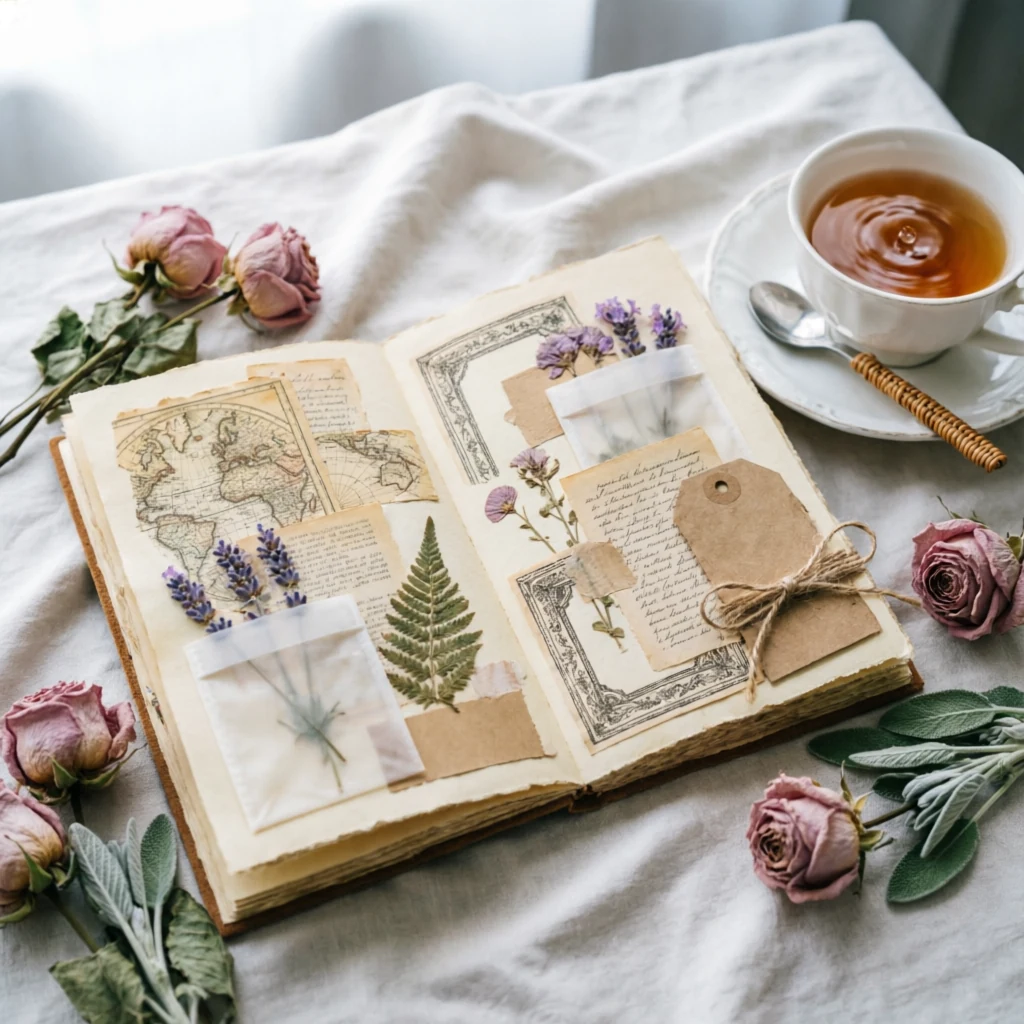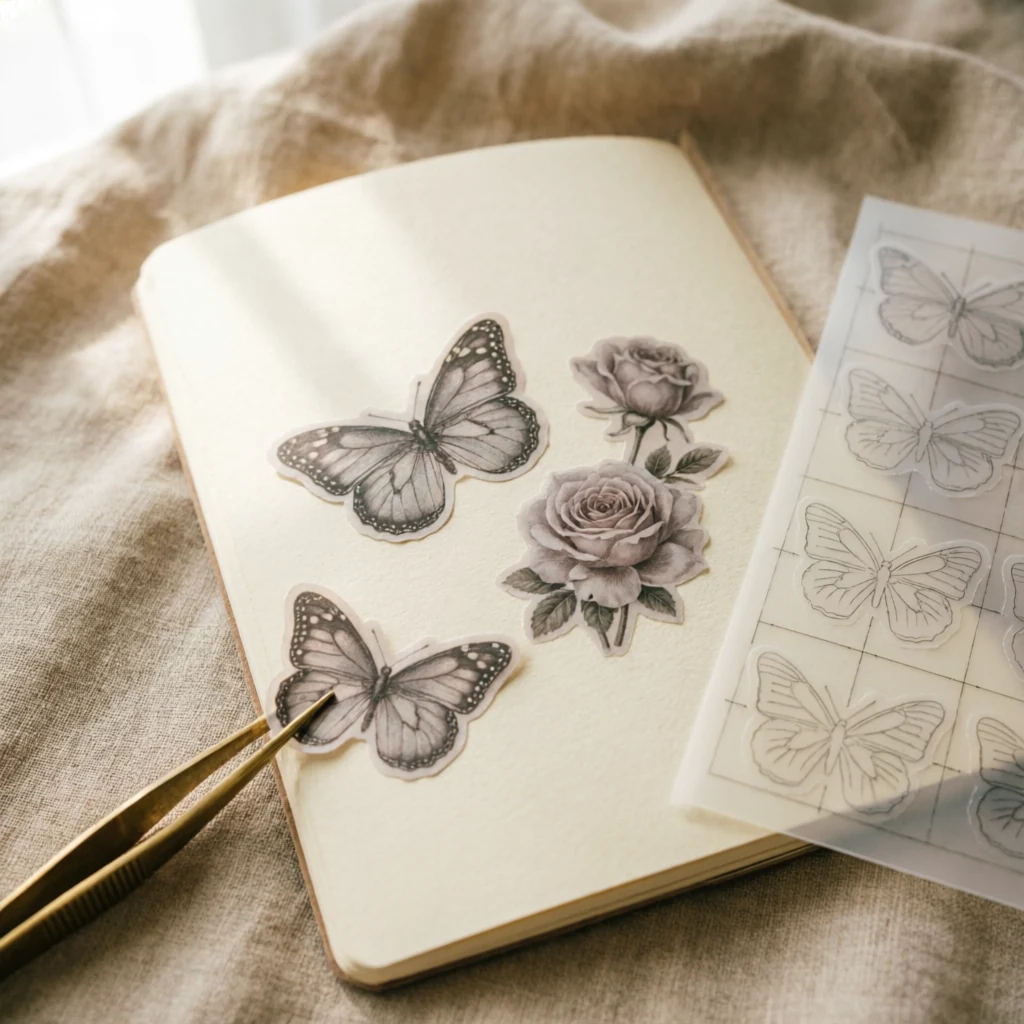
A beautiful paper on screen can feel completely different when it becomes a small tag or a full journal page. Choose it for the piece you want to make: its size, its purpose and the other layers that will sit beside it.
Start with the finished project
Decide whether you are making a background, envelope, bookmark or card. A large floral design may work well on a full page but lose its shape on a narrow bookmark. A small repeat is often easier to use on folded pieces.
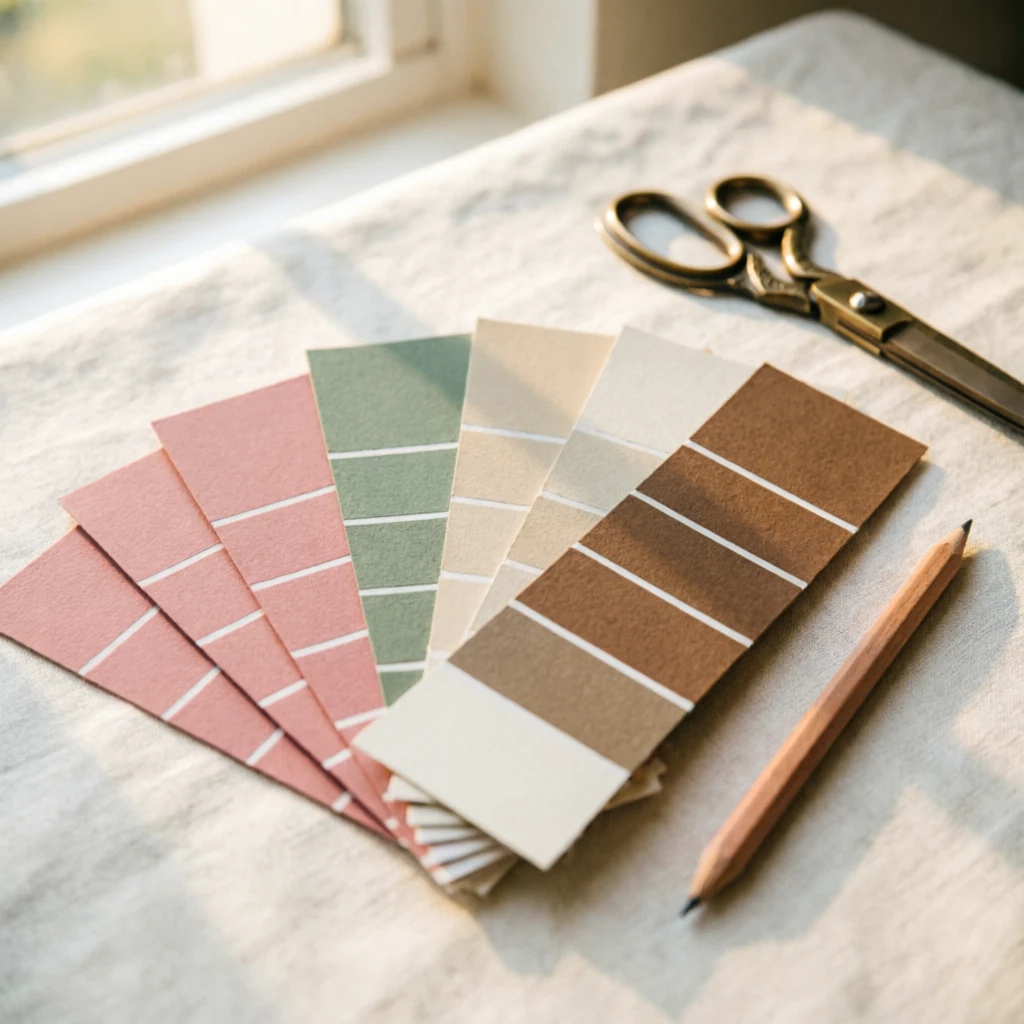
Choose a small colour family
Pick a main colour, a supporting colour and a light neutral. Compare the papers next to each other before printing. A navy floral sheet, a fine gold-toned pattern and a cream writing page can feel connected without using the same motif everywhere.
Balance the scale of the patterns
Mix one bold design with a quieter small pattern and an almost plain sheet. If every layer has large flowers, the page can feel crowded. Use the boldest paper where you want attention to settle.
Check dimensions and resolution
Read the file dimensions before buying or printing. As a practical example, a 3,600 × 3,600 pixel image provides 300 pixels per inch at a 12 × 12 inch print size. Enlarging it further reduces that resolution. A label saying “300 DPI” by itself does not tell you how large the image can be printed.
Look at the repeat and the edges
Some digital papers are seamless patterns; others are single compositions. Check the description if you need to tile a design. For a folded envelope, look at what will appear on the flap as well as the front.
Print a small proof
Use the printer’s recommended setting for your paper. For a template with fixed dimensions, start at actual size or 100% and check the result with a ruler. “Fit to page” can shrink a template. Borderless printing may enlarge and crop it.
Colours on a lit screen and colours on paper will differ. Print a small sample containing both a dark area and a pale one before committing to the full set. Let the ink dry before folding or rubbing the surface.
Match the paper to the job
- For layered journal pages, choose a sheet that folds easily and does not make the book too bulky.
- For tags or place cards, use a sturdier stock within your printer’s supported range.
- For envelopes, test the folds and adhesive on a spare sheet.
- For stickers, match the sticker paper to your printer type.
Read what the download includes
Check file formats, page sizes, whether templates are included and how the licence applies to your intended use. An attractive preview may show assembled examples rather than every individual file.
Ready to layer your choices? Explore ten printable styles for a vintage journal or the Nocturne Vows collection preview.